Fitness · Food · Recovery

Train. Eat. Recover.

One calm place for the whole week. Programmes that fit your schedule, meals logged in one line, and a daily score that shows how it all adds up.

AI meal logging1,956 exercisesProgrammes for 4–12 weeksPersonal recordsBarcode & photo loggingDaily scoreHabit check-insYogaBoxing roundsGuided meditationFace ID app lock

Inside the app

Everything for today, in one place.

Move

Plans that fit your week.

Fitvitt builds a full-day meal plan and training routine around your goal and diet preference, vegetarian included. Follow guided programmes from 4 to 12 weeks at your pace, log sets, reps and weight, and your personal records save as you lift.

  • Quick Start when you just need a session now
  • Want more biceps work? Customise it and generate again
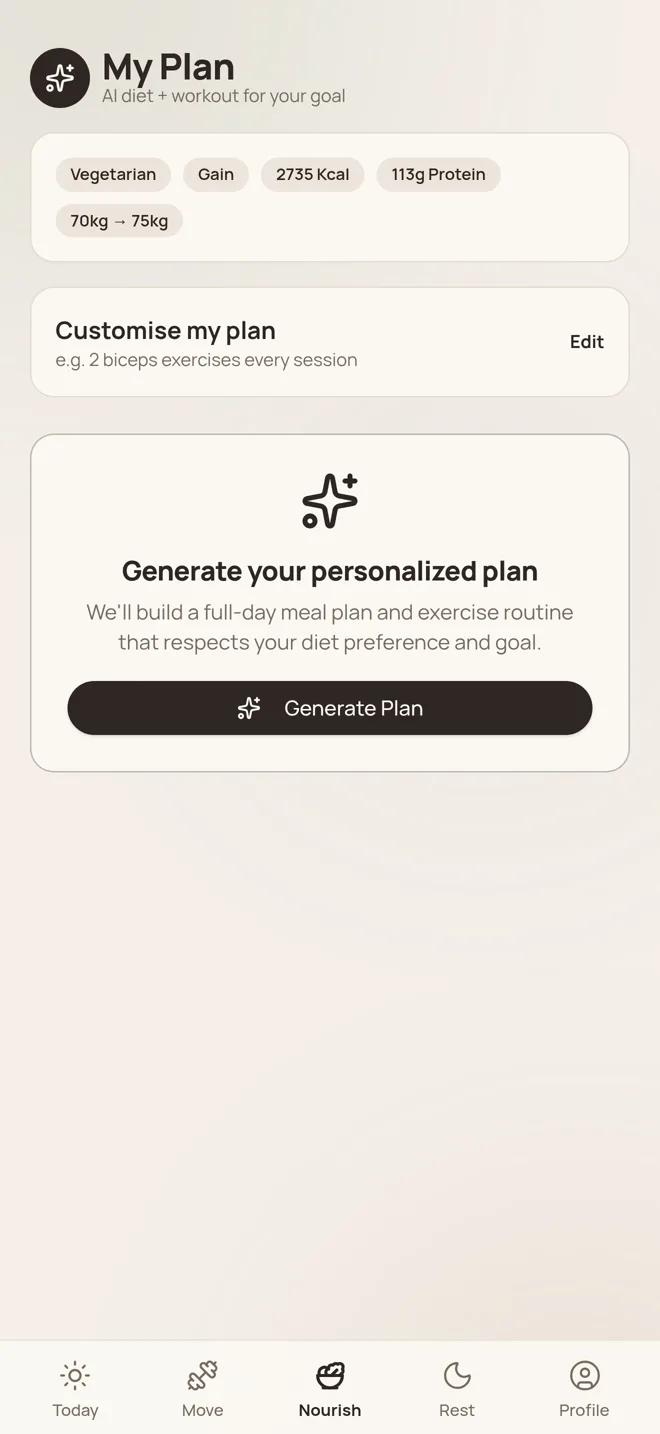
Fitvitt My Plan screen with goal, diet preference and a Generate Plan button
Nourish

Log a meal in one line.

Type what you ate, like “Greek yoghurt with berries and honey”. AI identifies it and you confirm the amount. Or snap a photo, or scan a barcode. Calories, protein, carbs and fat are tracked against your daily target.
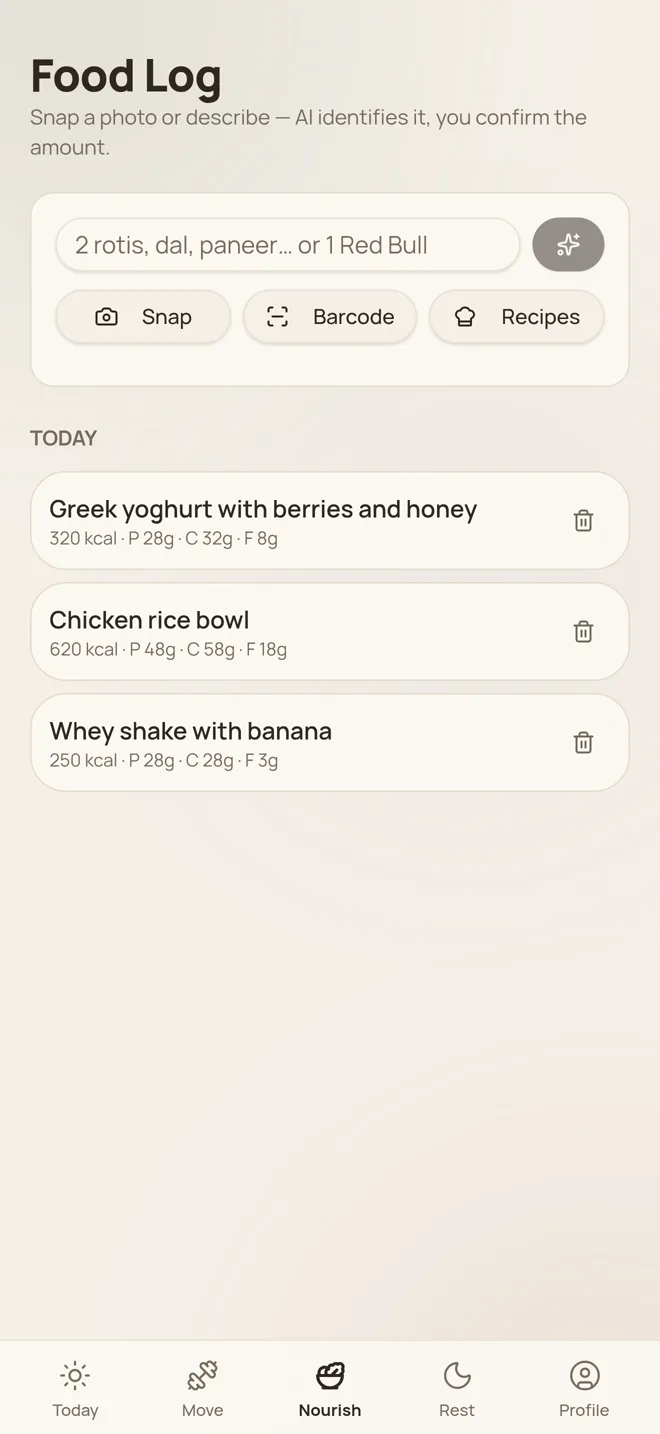
Fitvitt Food Log with snap, barcode and recipe options and today's meals
Analysis

One score for your day.

A daily score across nutrition, hydration, training, habits and sleep, with a plain explanation of how it’s calculated. Streaks and weekly progress make consistency visible.
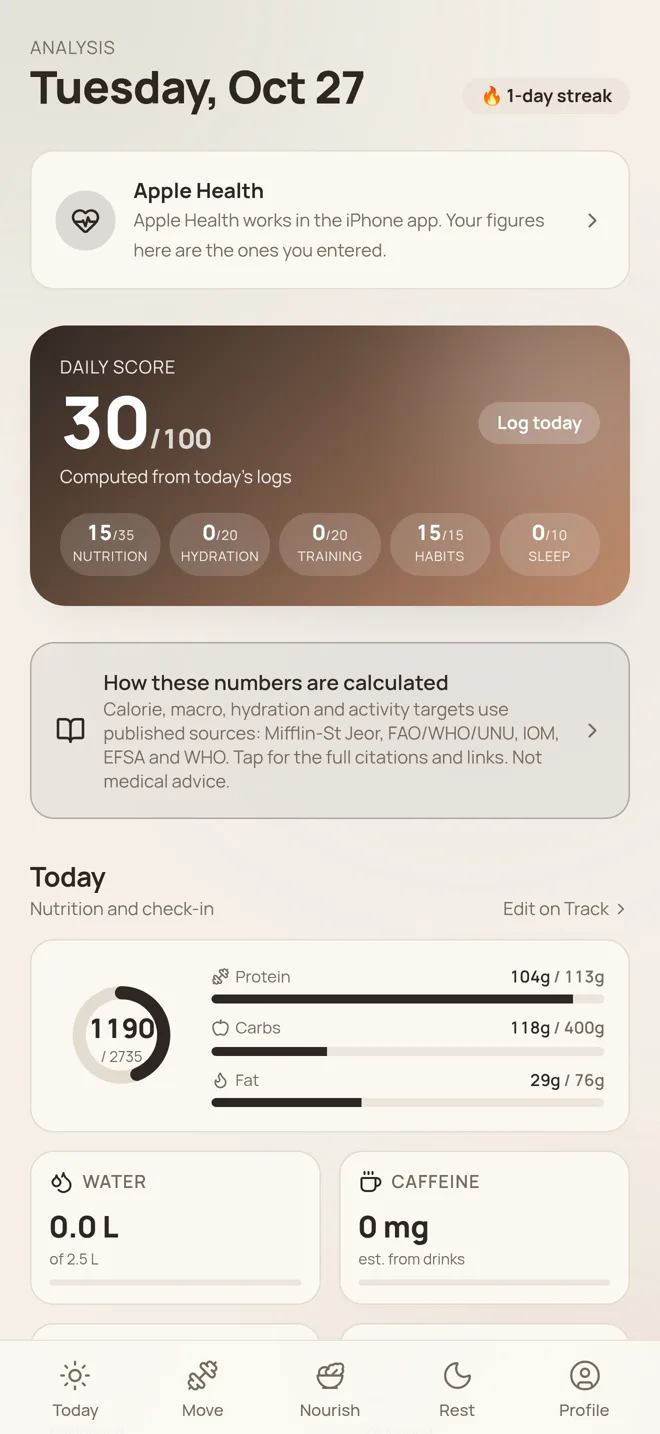
Fitvitt Analysis screen showing the daily score and macros for today
Check-in

Check-ins that take seconds.

Water, energy drinks, meditation, fruit and veg, walks: tap plus or minus and you’re done. Your mission and calorie target sit right at the top.
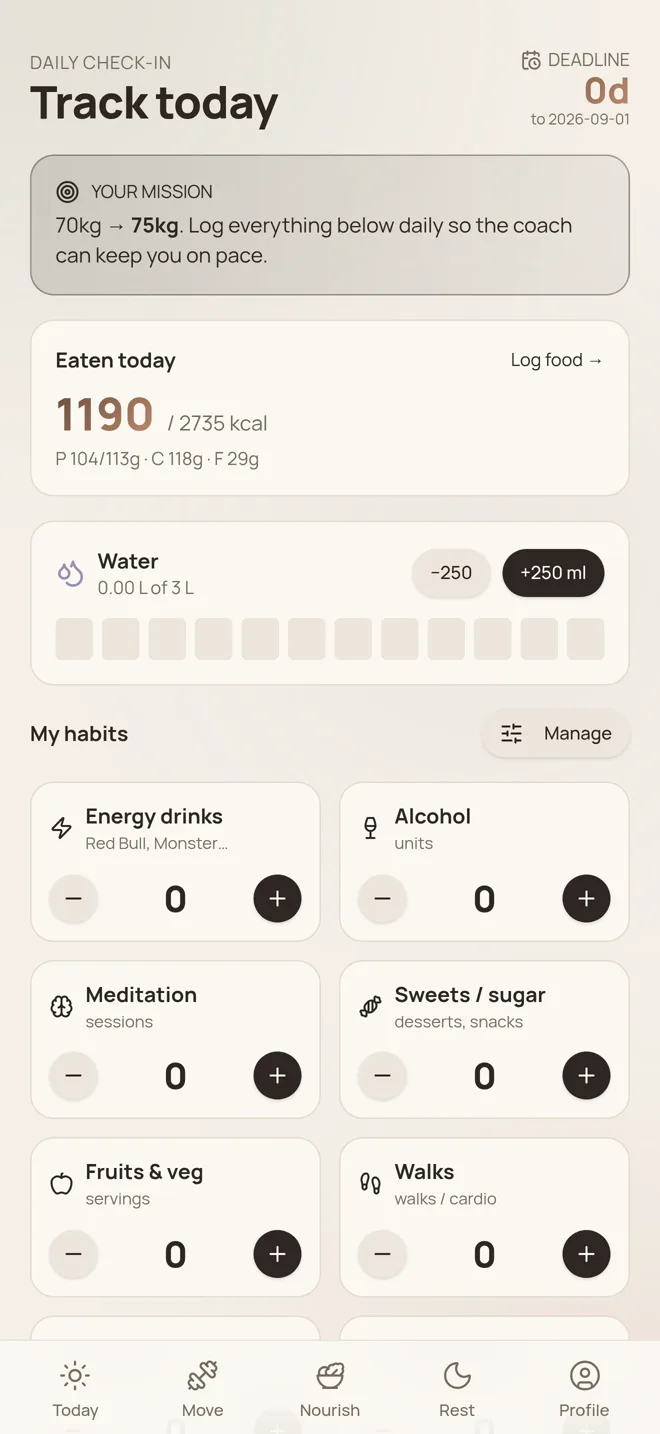
Fitvitt Track today screen with water and habit counters
AI Coach

Ask about training, food or the app.

Say “I had 2 Red Bulls and 500 ml water” and it’s logged. Ask for a 4-day push/pull split or a quick high-protein breakfast and get a straight answer.
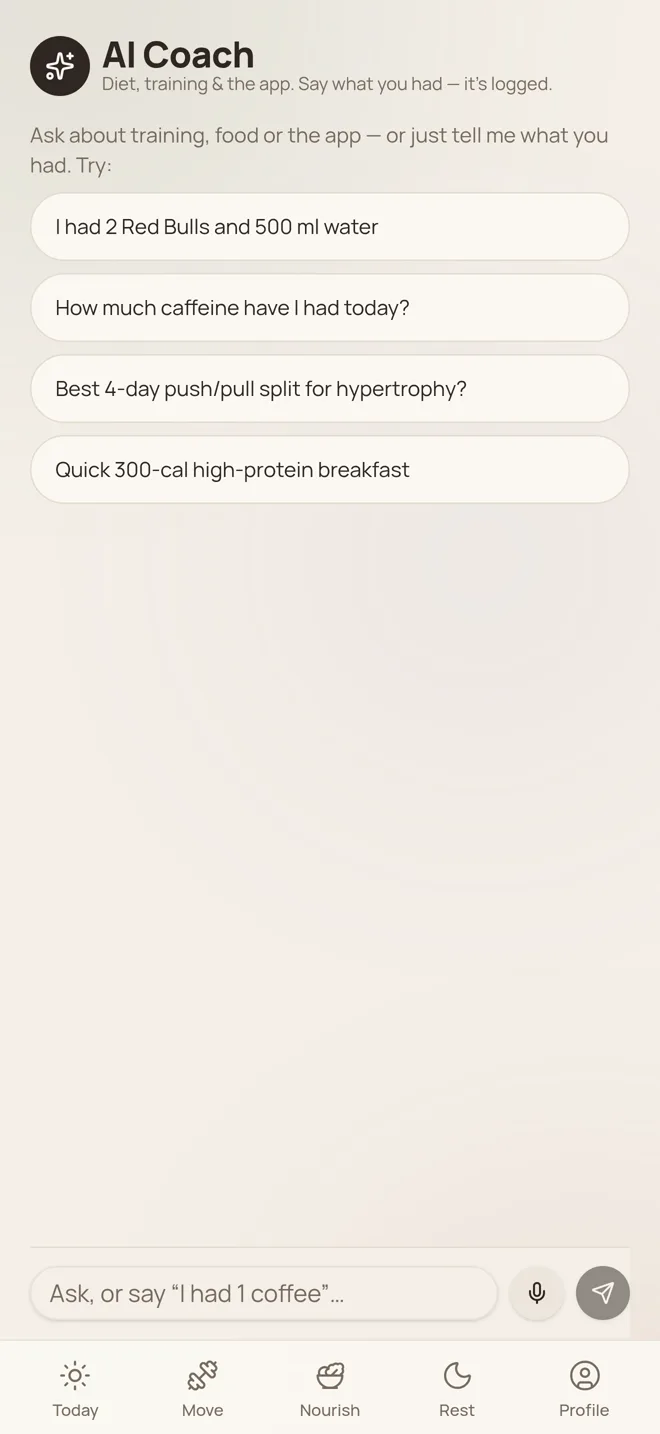

Fitvitt AI Coach screen with suggested prompts

More than the gym

Built for the rest of your week, too.

Yoga & meditation

Guided sessions and rest-day tools for when you need to recover.

Boxing rounds

Timed rounds and combos when you want to sweat without a barbell.

Apple Health

On iPhone, Fitvitt reads the Apple Health figures you choose to share.

Private by design

Face ID app lock, and you can export or delete your data at any time.

Calm by default

Light and dark themes with soft colour options. No shouting.

1,956 exercises

From strength moves to stretches, filtered by body part, gear or difficulty.

How it works

Three steps to a calmer routine.

  1. 1

    Create your account

    Sign up with your email and a password.

  2. 2

    Set your goal

    Tell Fitvitt your target and diet preference, then pick a programme.

  3. 3

    Follow today

    Train, log meals in a line, check in, and watch your daily score.

Get Fitvitt

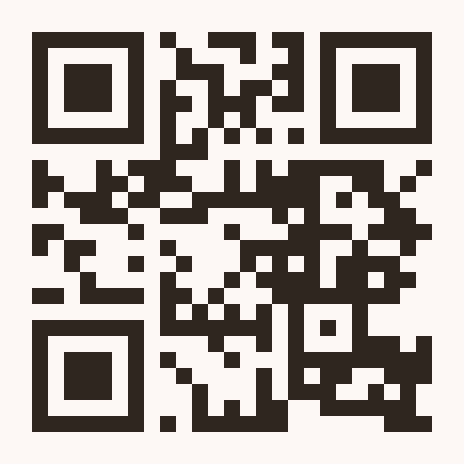
Scan to start on your phone.

The iPhone app is on its way to the App Store. Until then, Fitvitt runs right in your phone’s browser. Scan the code, sign in, then tap Share → Add to Home Screen to keep it one tap away.

QR code that opens the Fitvitt web app at app.fitvitt.com
Point your camera here · opens app.fitvitt.com

Welcome to Fitvitt

Forgot password? · No account?